Industrial control systems
in minutes.
AI copilot for operator screens. Knows the spec, follows the rules.
OpenBridge is thorough.
Looking it all up takes time.
200+ components, four colour palettes, spacing grids and layout templates, all specified. Building by hand just means cross-referencing a lot of it, component by component.
One plugin,
spec in context.
Bridgable puts the OpenBridge spec where your AI coding agent can use it: components, tokens, layout rules. Fewer wrong guesses, less time in the docs.



Any agent,
one command.
Claude Code, Cursor, or Codex. Install in 30 seconds. The plugin connects over MCP and stays out of your way.
Real screens,
from a prompt.
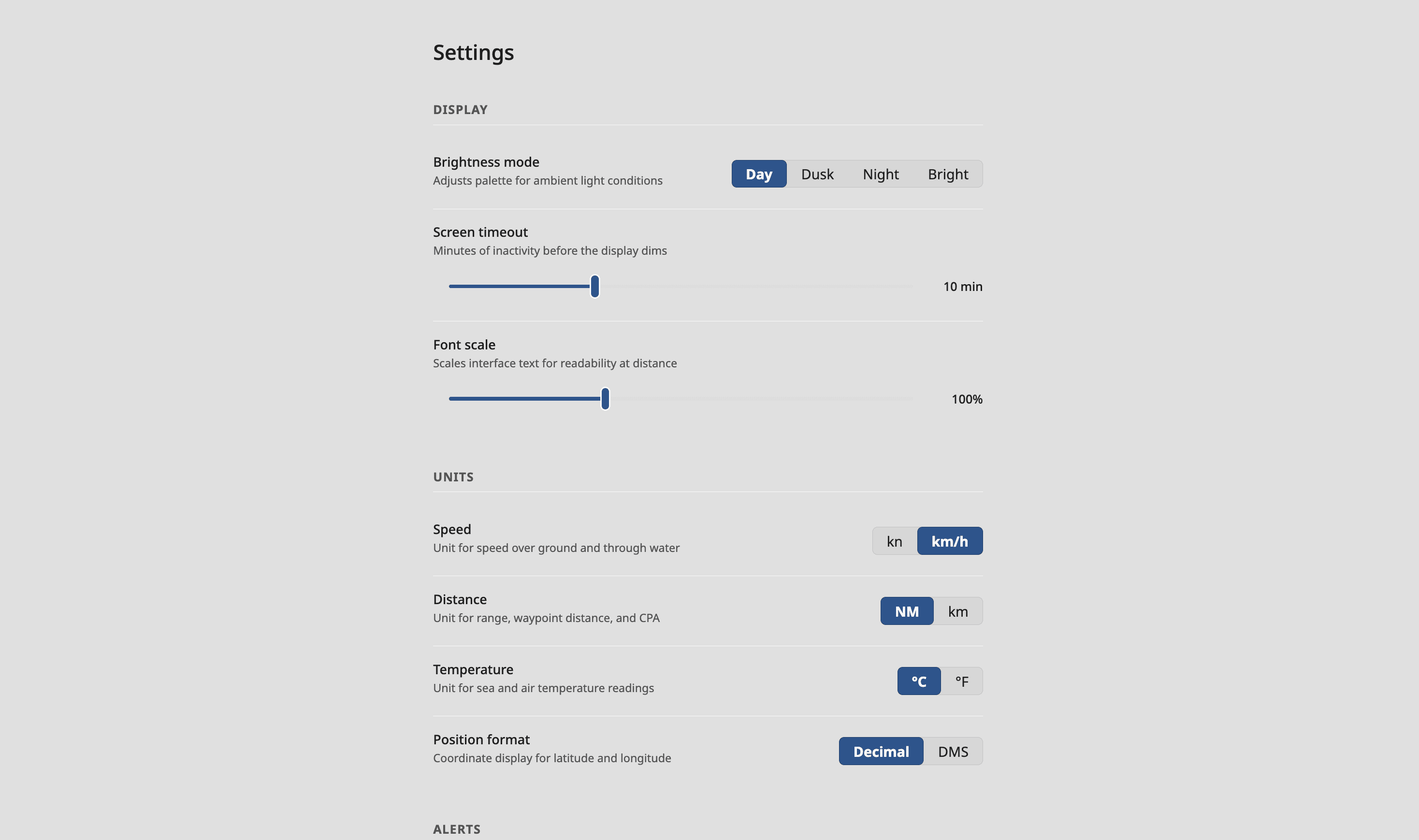
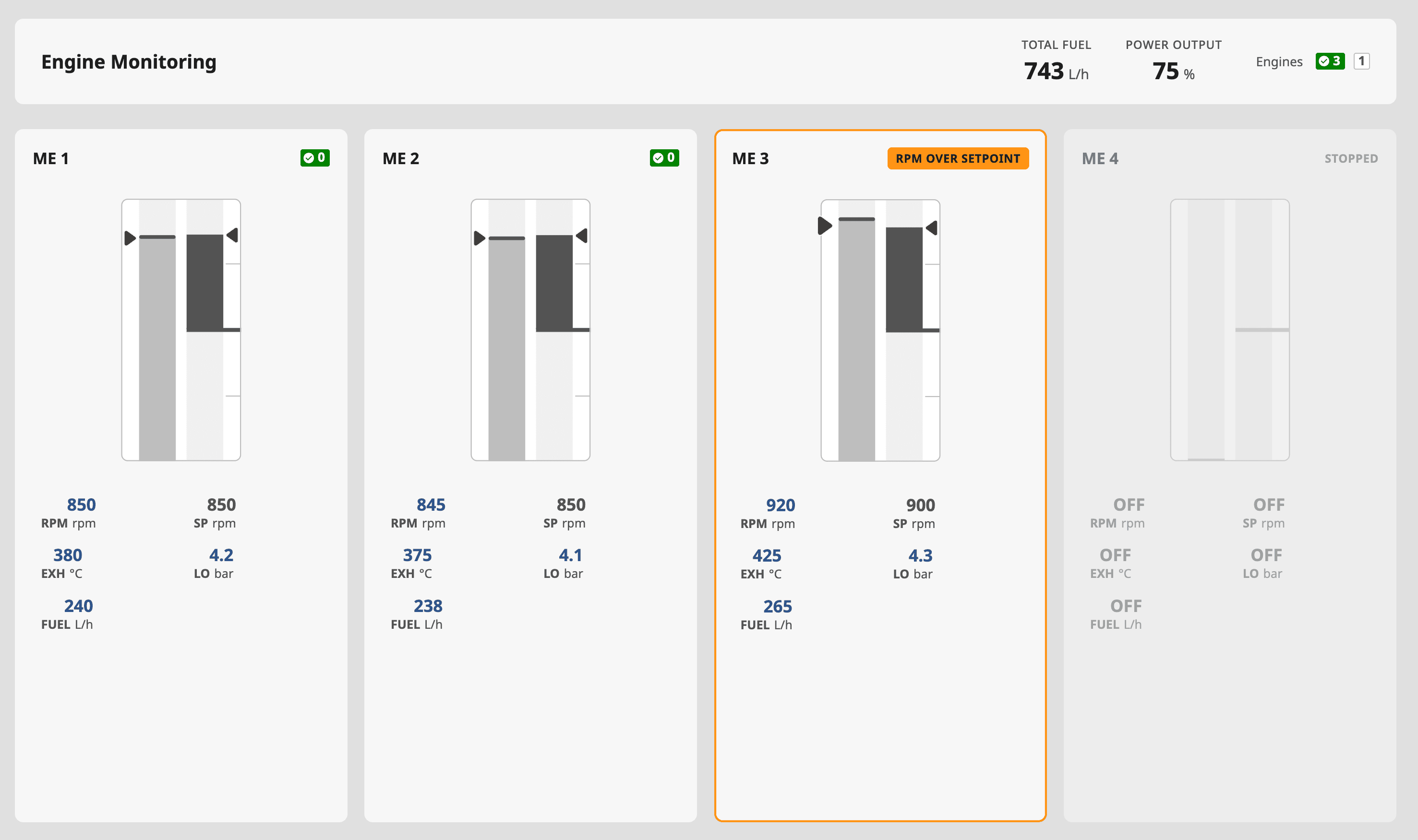
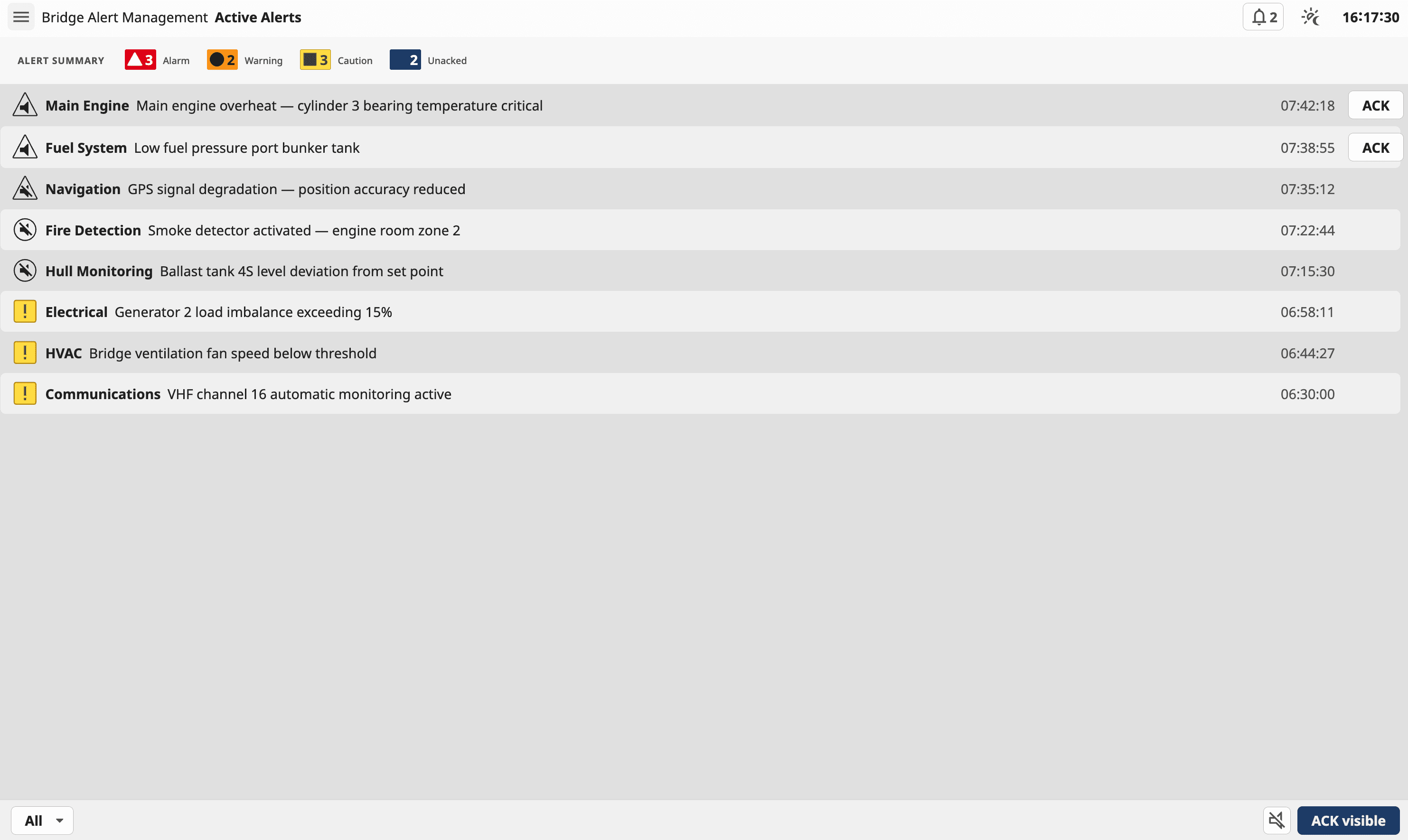
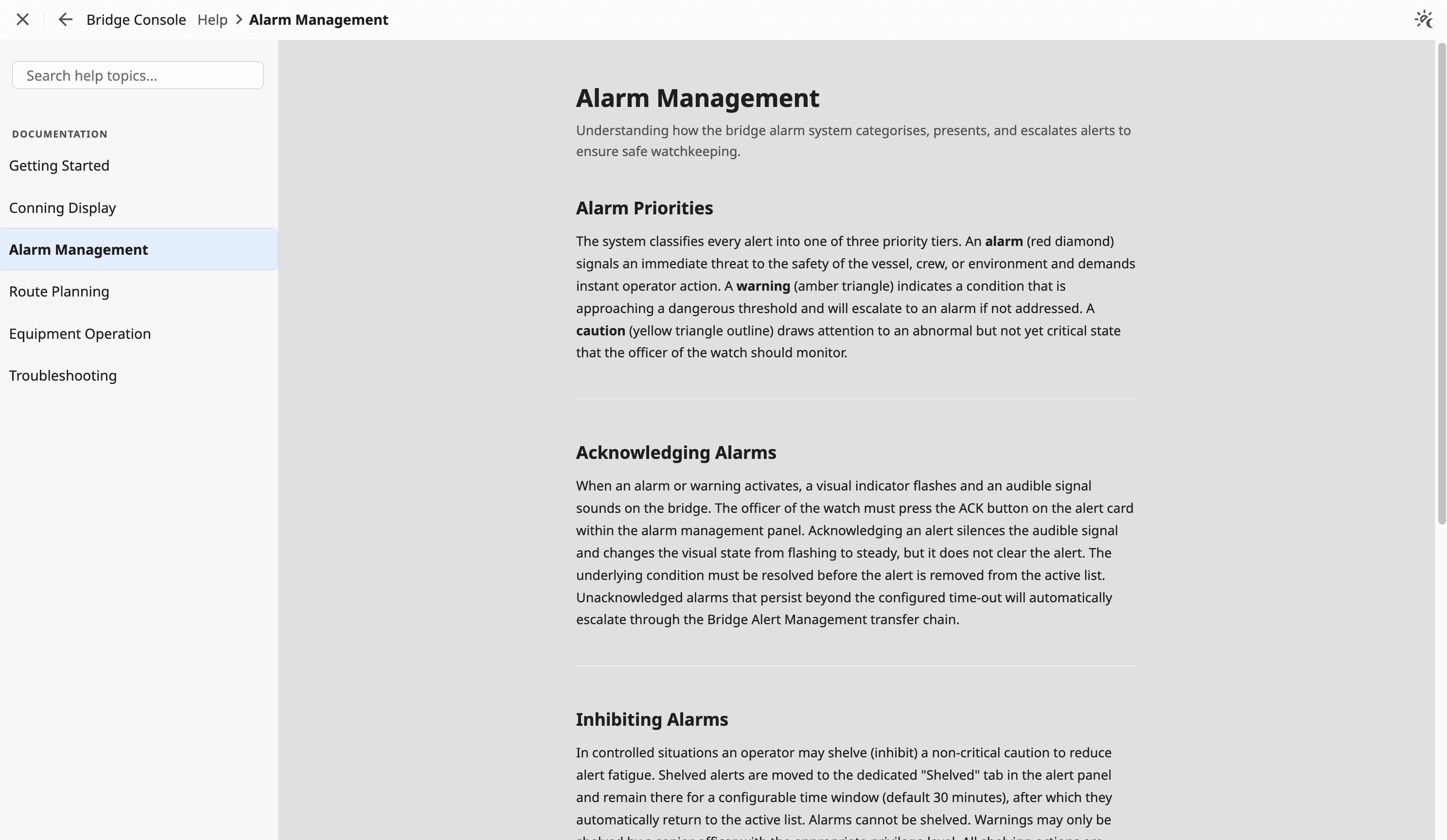
These pages were built by AI agents using Bridgable, with the right components and tokens from the start, so review is about the design, not the basics.


Built by OpenBridge developers
Get started
Pick your agent. One command.
Copy and paste into your terminal to install, launch, and authenticate
$claude plugin marketplace add https://github.com/thomsoren/bridgable-plugin.git && claude plugin install bridgable@bridgable && claude "Authenticate Bridgable: call the plugin:bridgable:bridgable authenticate MCP tool, then immediately run 'open \"<url>\"' (macOS) or 'xdg-open \"<url>\"' (Linux) via the Bash tool on the URL it returns. Do not print the URL."Installation requires a desktop terminal.
Open this page on your computer to get started.
Need help? See the full setup guide.